USDA has some good agricultural production and trade data available at http://www.fas.usda.gov/psdonline/psdHome.aspx. Here we try to read the CSV file psd_alldata.csv and convert it to a usable GAMS GDX file.
$ontext |
The final GDX file looks like:
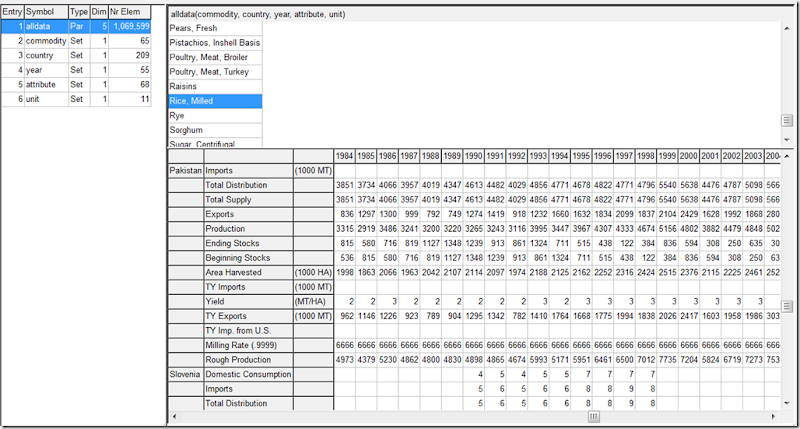
This file can be read as:
$ontext |
Notes:
- We use the tool csv2gdx to read the csv and produce a raw gdx file (the gdx file will be overwritten with the final version after adding the supporting sets).
- The projection option is used to extract the sets from the parameter alldata. This is non-intuitive (i.e. ugly) syntax but it is fast.
- The set year is explicitly declared to make sure they are ordered. In the csv file the (marketing) years are not ordered. In order to make sure the superset of years is not chosen too small, we probably should have used a $loaddc alldata instead of $load alldata.
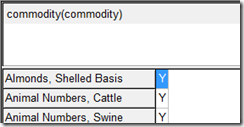
- The declaration of the sets look a bit funny in the gdx viewer:

This is due to the way we had to declare the sets for use with the projection option.